Walkthrough
How Trizlink works, in five steps
Short links, bio pages, posts and the numbers behind them. One real screen per step. Use the arrow keys, swipe, or the buttons below.
Step 1 of 5
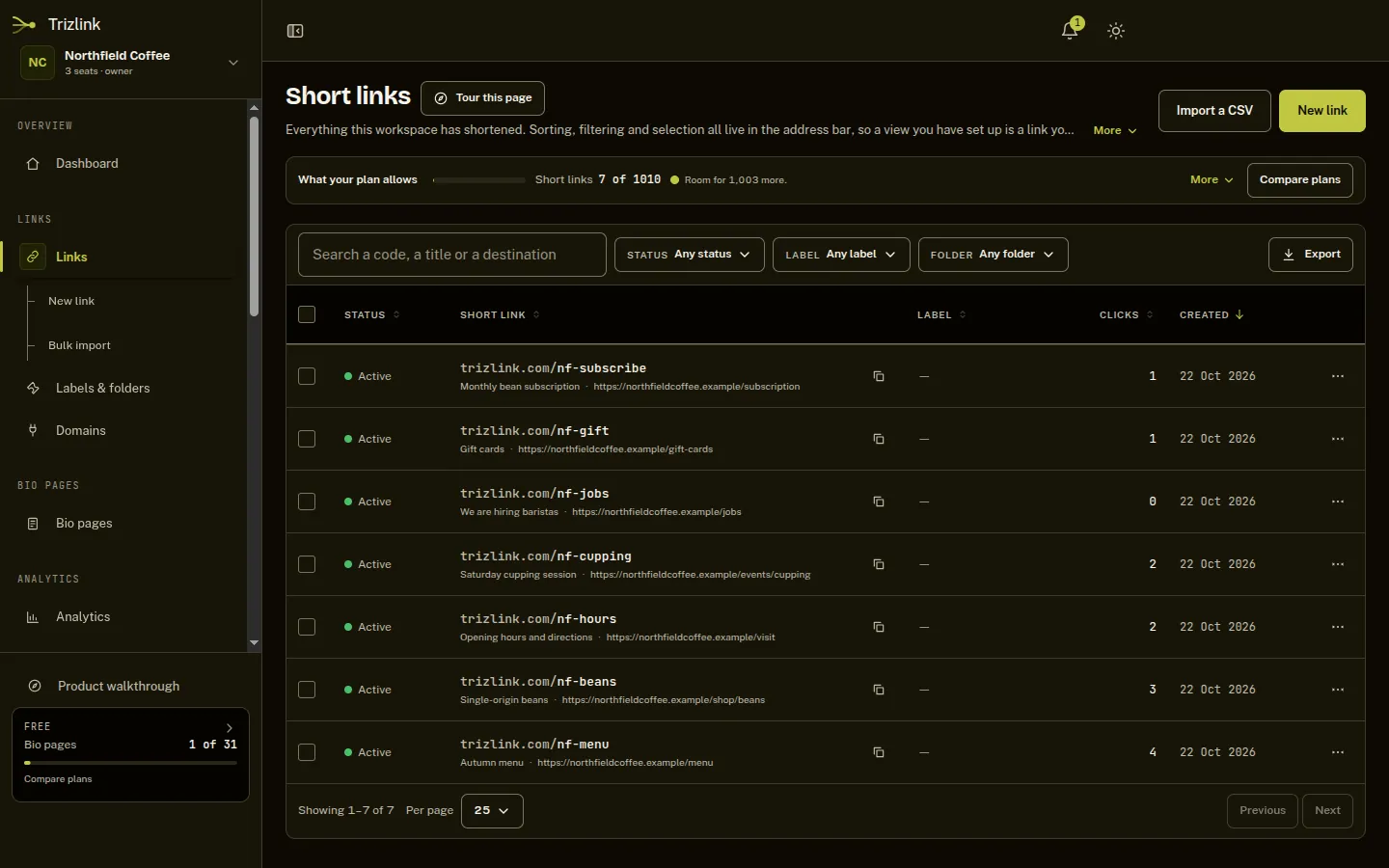
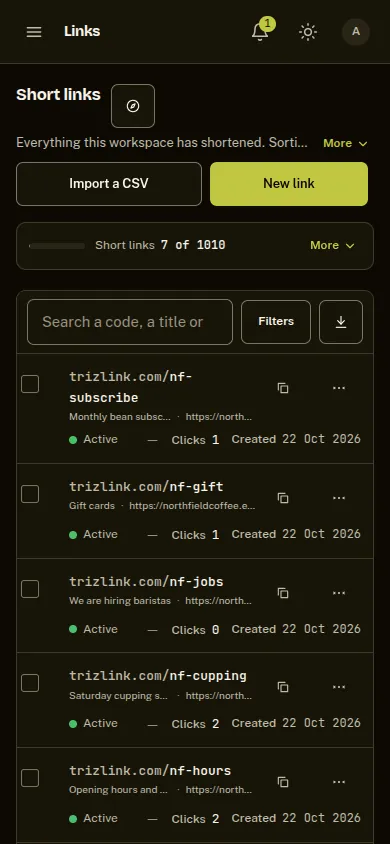
Short links that keep working
- Shorten a long address and choose the code yourself.
- Change where a link goes without reprinting it.
- Every link gets a QR code and its own click count.
Step 2 of 5
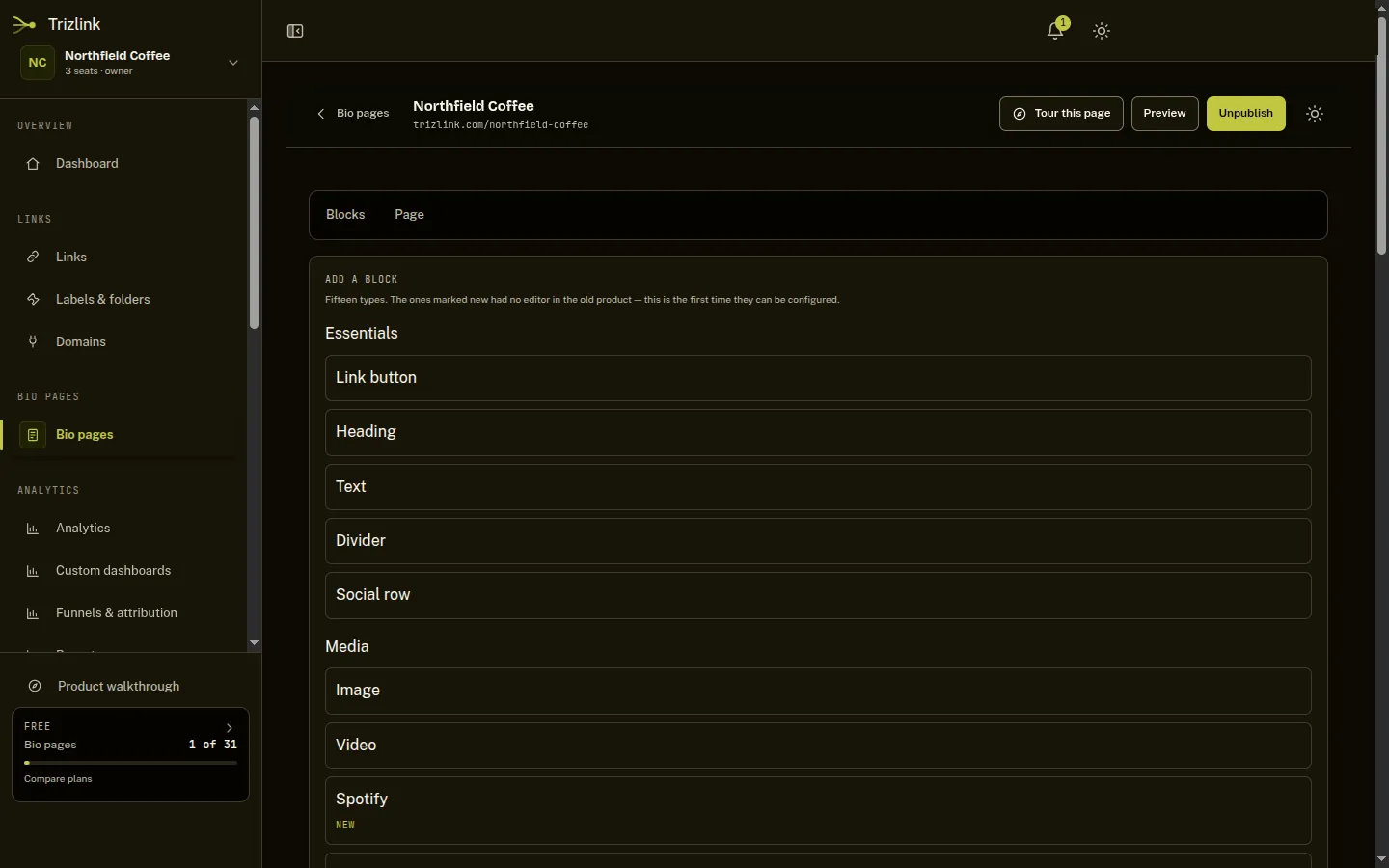
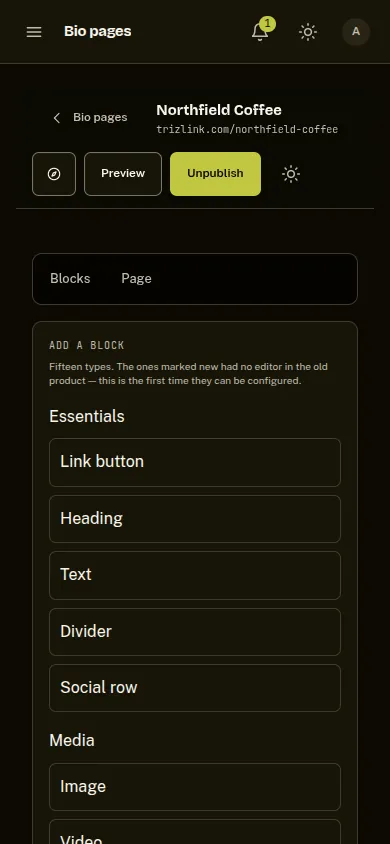
A bio page built from blocks
- Pick a template, then add links, text and images as blocks.
- The preview changes as you edit.
- Publish it at its own trizlink.com address.
Step 3 of 5
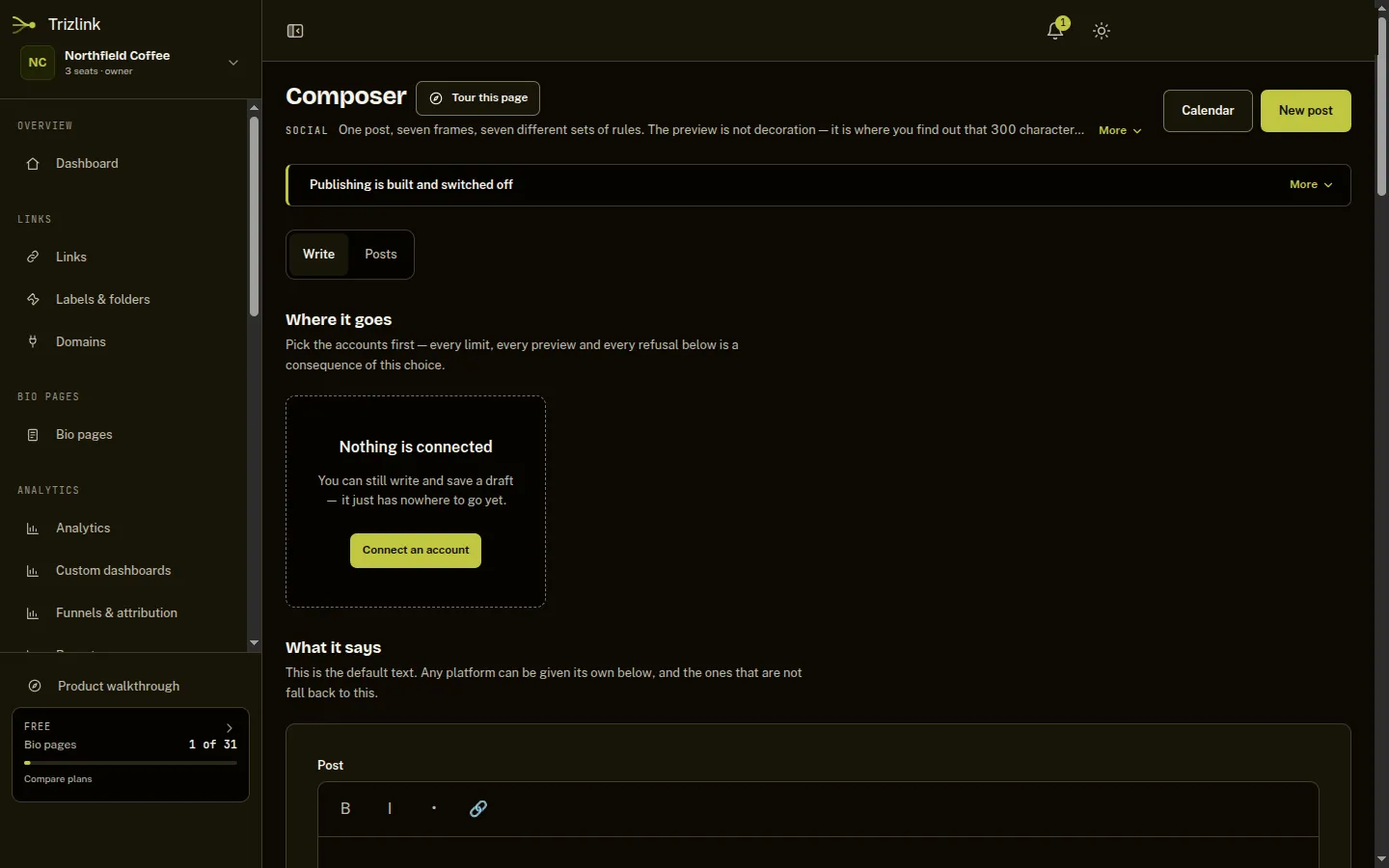
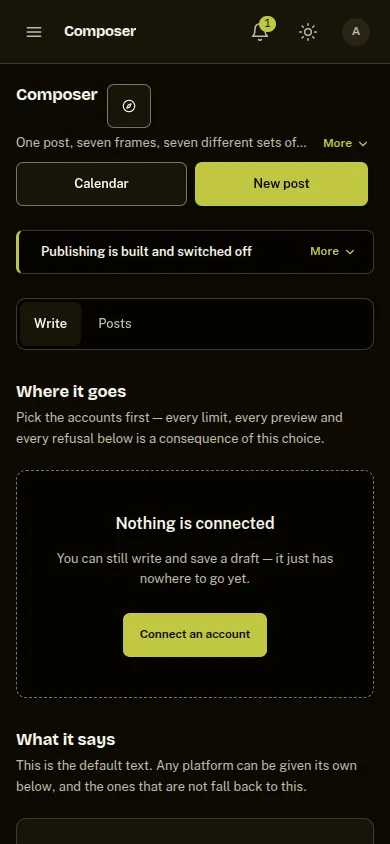
Write once, for every network
- Write one post, then give any network its own wording where it matters.
- Every network gets a preview, so a post that is too long shows up before you schedule it.
- Publishing is built and switched off, so a scheduled post waits in the queue until publishing is switched on.
Step 4 of 5
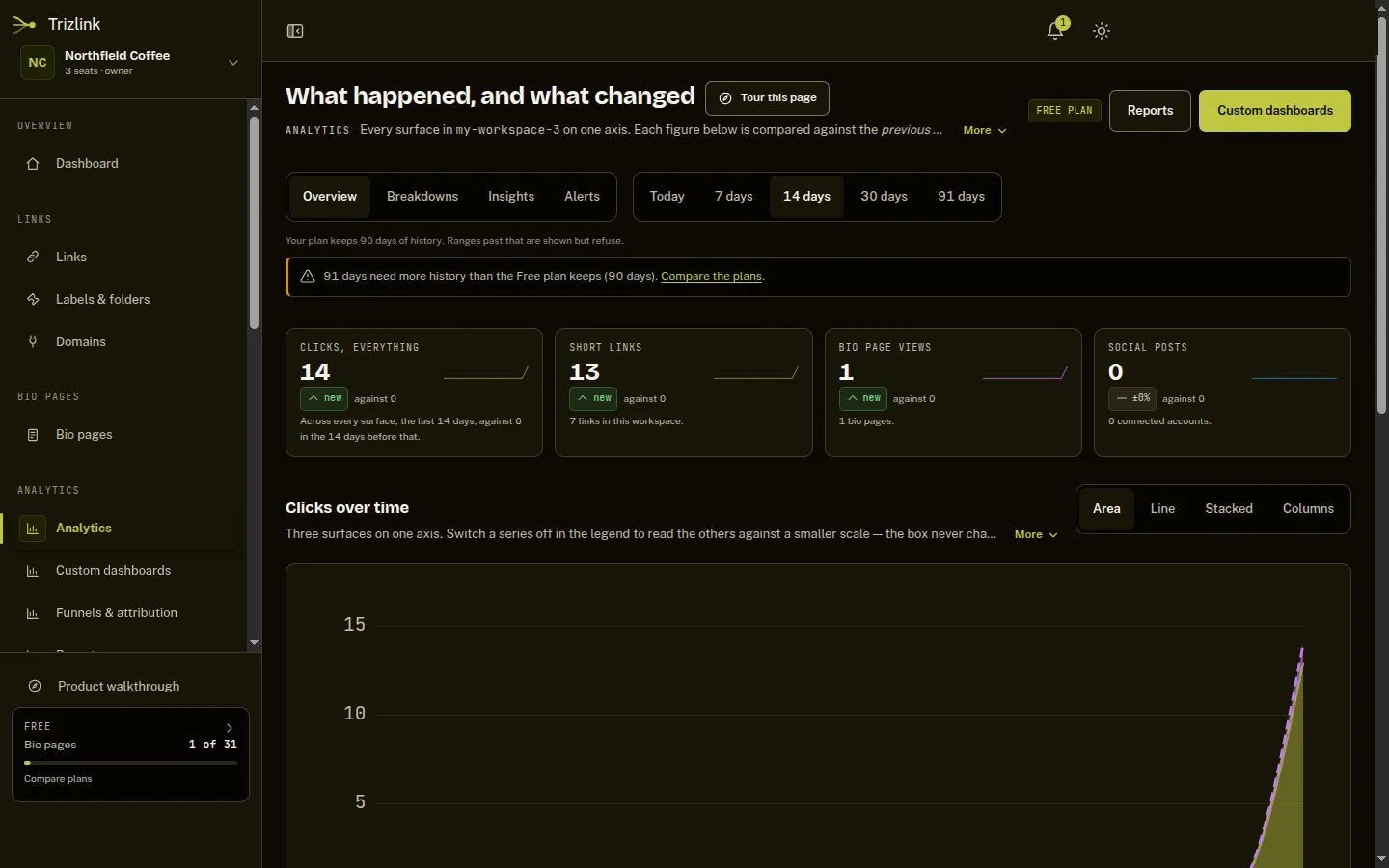
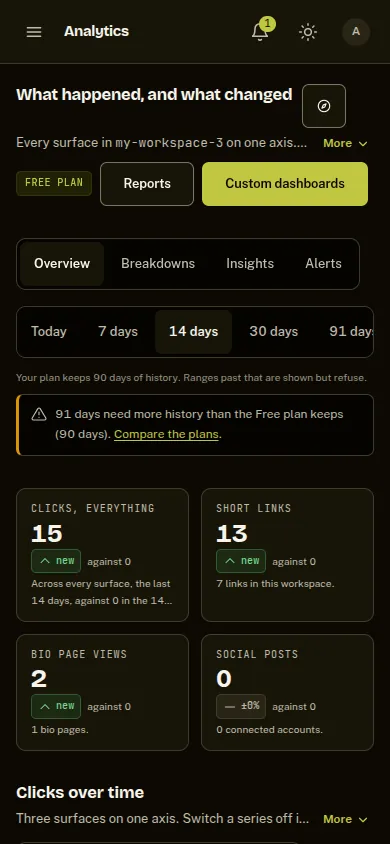
One set of numbers
- Clicks from links, bio pages and posts on one chart, and a view of where they came from.
- Real click counts are best-effort everywhere — bots, prefetching and privacy blockers all distort them.
- Every figure is compared with the period before it.
Step 5 of 5
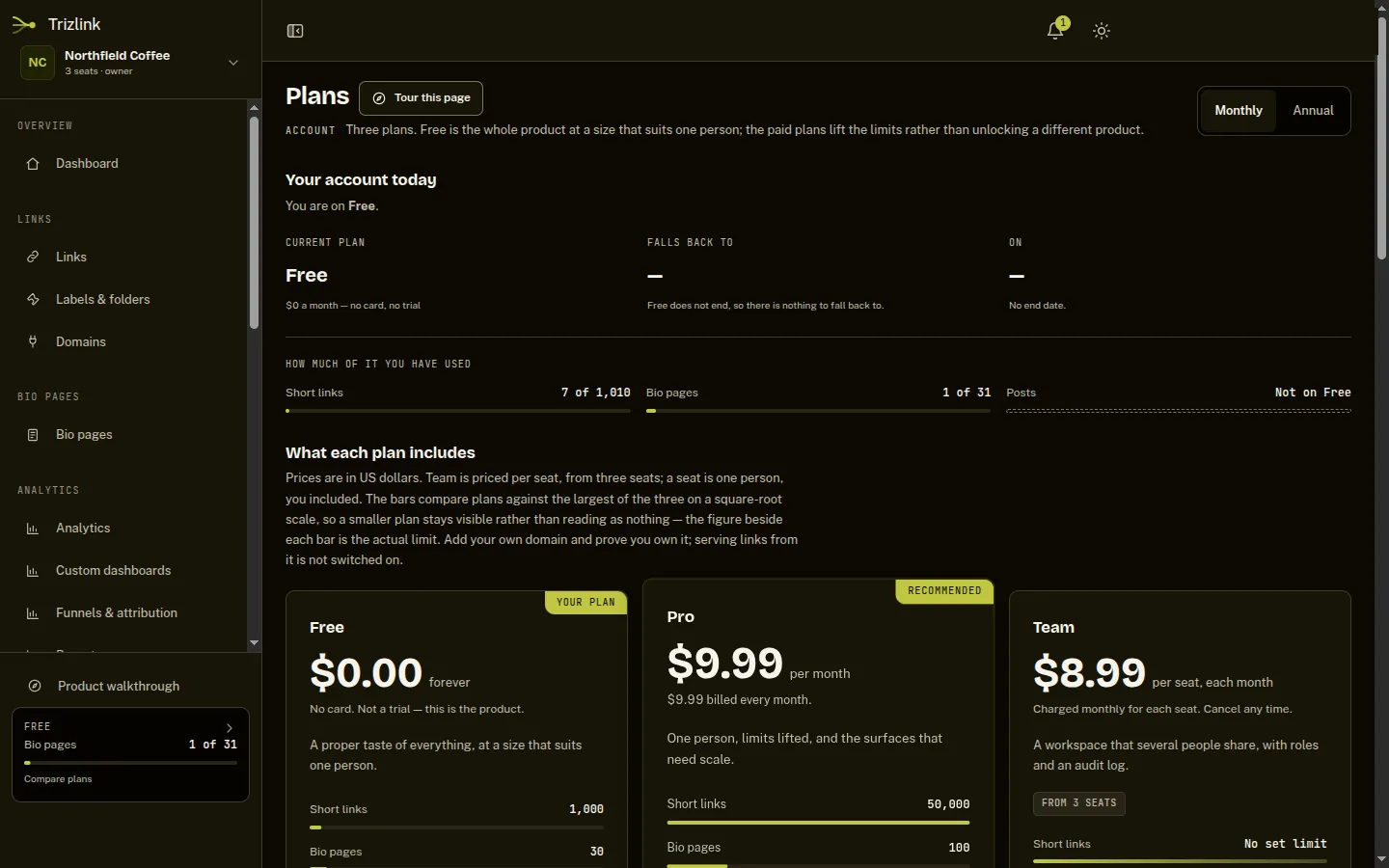
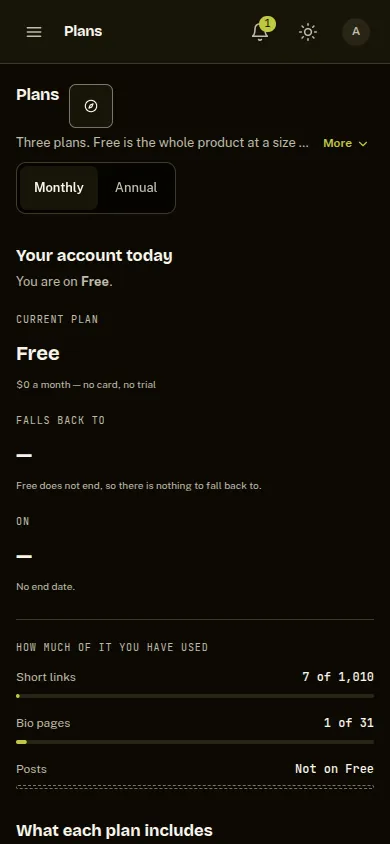
Three plans, one shared workspace
- The Free plan includes 1,000 short links and 30 bio pages.
- Pro and Team add social publishing and the public API, and raise the limits.
- Invite people into a shared workspace and give each a role.